Multi-Company plans are best for CPA firms and other accounting firms looking to manage lease portfolios for multiple companies or clients.
Plan Details
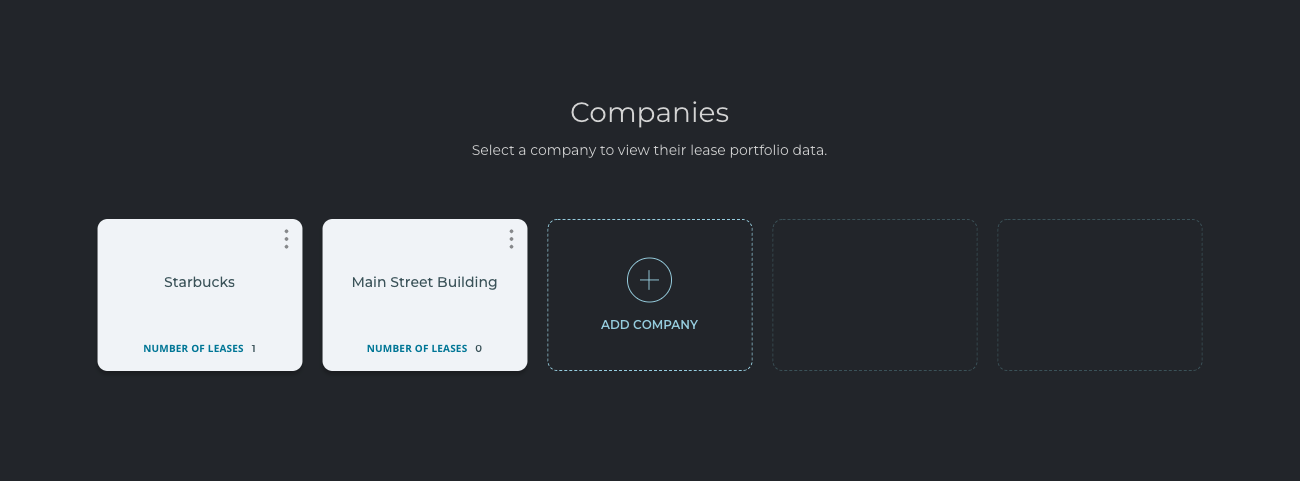
With a multi-company plan, you can add up to 5 companies or clients to your profile. Within each client profile, you may add up to 10 leases. For each client that you add, you can enter their company details and select the appropriate jurisdiction – GAAP or IFRS.
Client Navigation
Once you have added clients to your profile, you can see all of them by logging into your account. To see the lease portfolio for a specific client, you will want to select their name from the client dashboard as pictured in the example image below. Once you select a client, the system will take you to the lease dashboard for that client only. If you would like to view another client's lease portfolio, then you will need to log out and log back into LeaseGuru to select another client.
Add Additional Client or Upgrade Plan
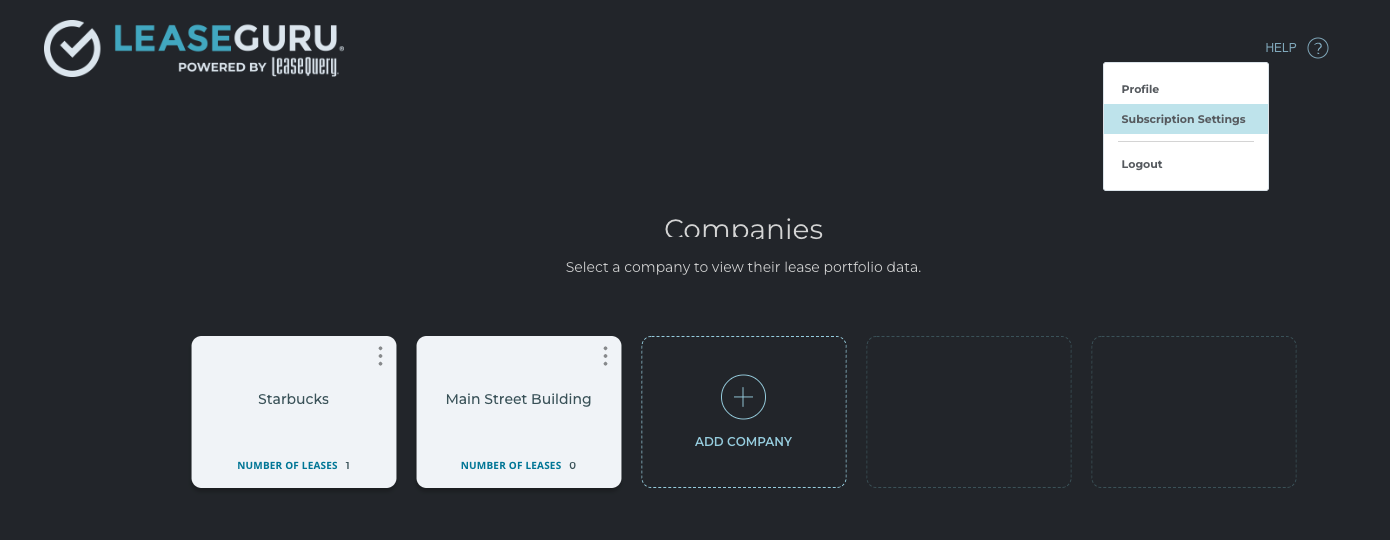
When you create your LeaseGuru account and select a multi-company plan type, you will automatically have access to one client with two leases included for free. If you would like to access more leases, additional clients or premium features including the ability to export reports, then you will need to select "Subscription Settings" from your client dashboard as pictured below to upgrade your account.